


Parivahan tax payment is an online service that allows vehicle owners to pay road tax easily without visiting the RTO. You can pay road tax through Vahan Parivahan official portal.The blog guides you through steps for Parivahan tax payment in detail.
Vahan Tax Payment
You can check tax details by entering their vehicle registration number. After verifying information, you can make tax payments through Parivahan portal. You can download the receipt after payment of road tax.
You need to pay road tax at the time of vehicle registration and when transferring a vehicle to another state.
Steps for Parivahan Tax Payment
Following are the steps to pay Parivahan tax:
- Visit the Parivahan official portal
- Select Online Services and choose Vehicle Related Services
- Select the state for the Parivahan tax payment
- Select the RTO
- Proceed with the Parivahan tax payment
- Select Pay Your Tax
- Enter your vehicle registration number and the last 5 digits of the vehicle chassis number
- Verify details option and enter vehicle owner’s mobile number to complete OTP verification
- Choose the tax mode, whether to pay yearly, quarterly, monthly, or one-time
- Select payment mode and make payment of tax
Reprinting Parivahan tax payment e-receipt
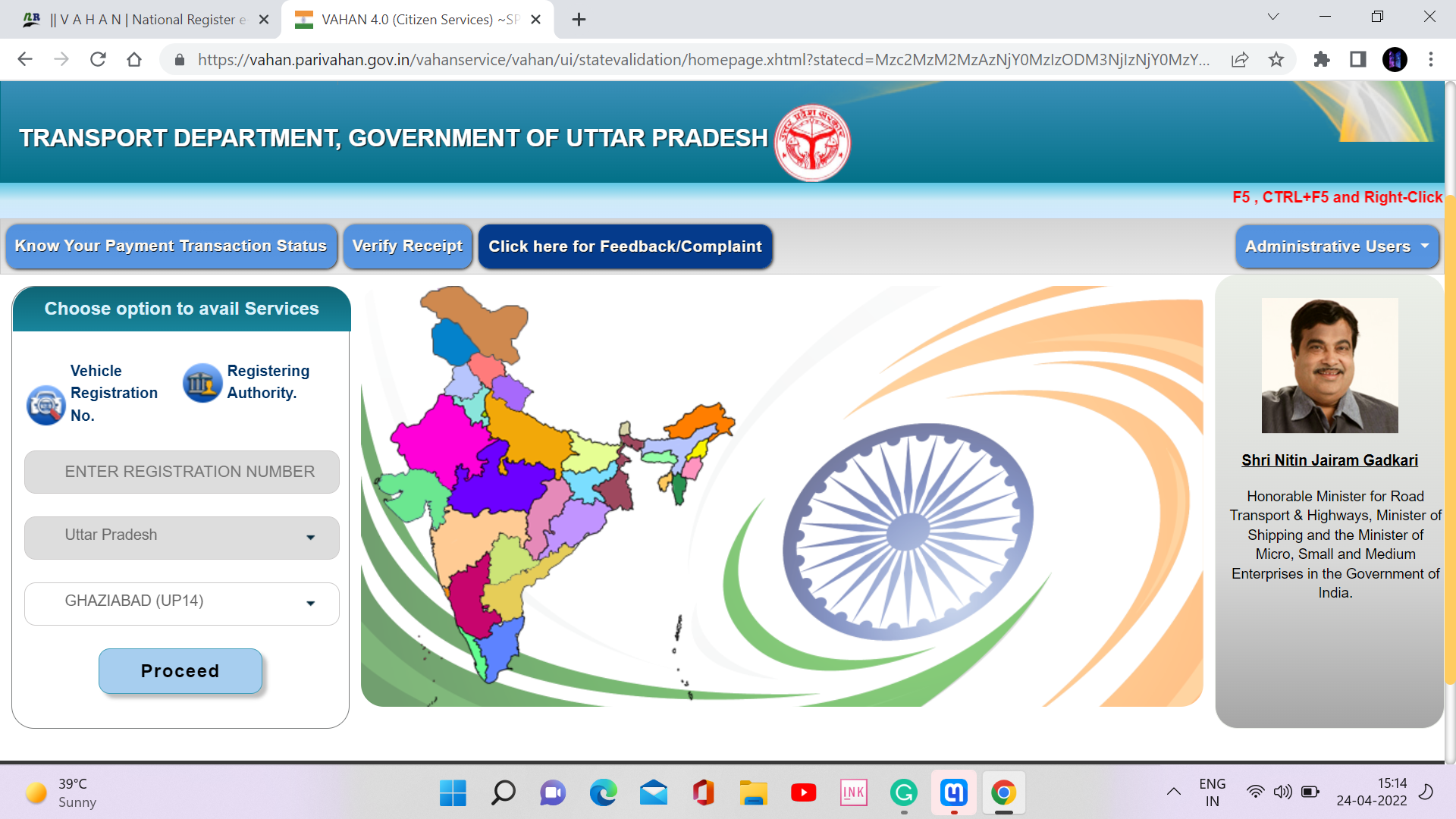
If you forgot to print your e-receipt after online tax payment , you can reprint your e-receipt by following steps:
- Visit the Vahan portal
- Select Status
- Click on the Reprint Receipt/forms option
- Select any of the following :
- Application No. Wise
- Receipt Wise
- Bank Transaction No. Wise
- Registration No. Wise
- Enter the details as per the chosen search option
- Submit and view the receipt
- Download the tax receipt and take a print of it
How to verify online Vahan payment of tax
Following are the steps to verify Vahan tax payment:
- Visit the Vahan portal
- Select Status
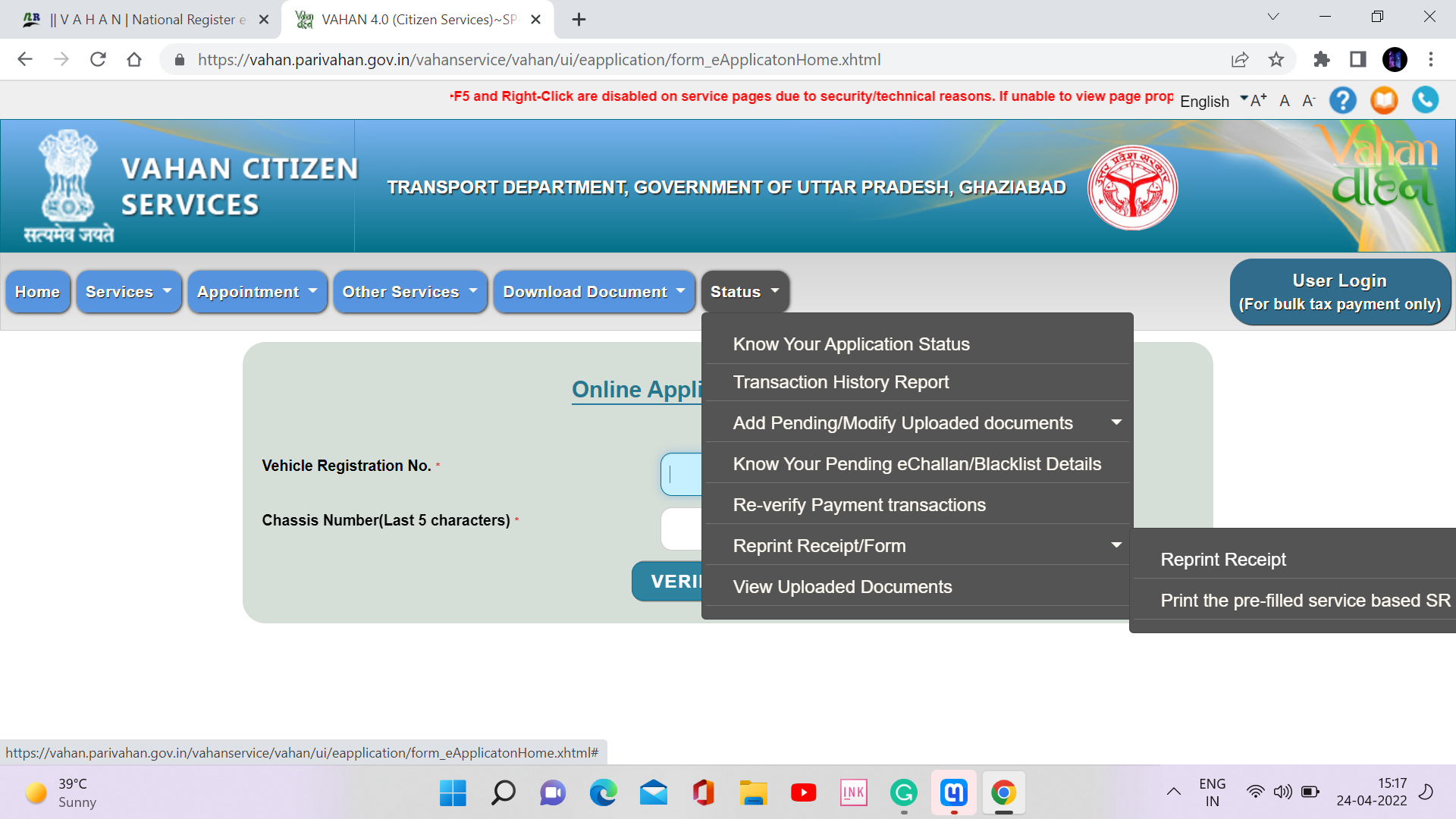
- Click on the Re-verify Payment transactions
- Enter Transaction No(Application No)
- Click on Show details
- View the transaction status

How to Update Mobile Number in Parivahan?
Vahan Parivahan application status
FAQs
Why is my online vehicle tax payment showing as pending?
Parivahan vehicle tax payment may be shown as pending because your previous online Vahan payment is still being processed. Once the transaction is completed, the status will update automatically.
Can I check my vehicle tax details online?
Yes. You can check your motor vehicle tax details online by visiting Vahan official portal.
Is vehicle tax the same in all states?
No. Vehicle tax is decided by state governments, so the tax amount varies from state to state.
Do I need to pay vehicle tax if my vehicle is not in use?
No. If your vehicle is not in use, you can apply for a tax exemption through your state transport department,
What is the validity period of motor vehicle tax?
The tax validity period depends on the type of vehicle:
- For non-transport vehicles, tax is paid once for 15 years
- At the time of re-registration, tax can be paid for 5 years

Leave a Reply